 DreamForge for Mac
Shape ideas into finished images with a full desktop studio.
Shape ideas with references, direction, and control. DreamForge for Mac gives your ComfyUI setup a native workspace for prompt building, reference boards, model routing, image edits, galleries, and organized libraries.
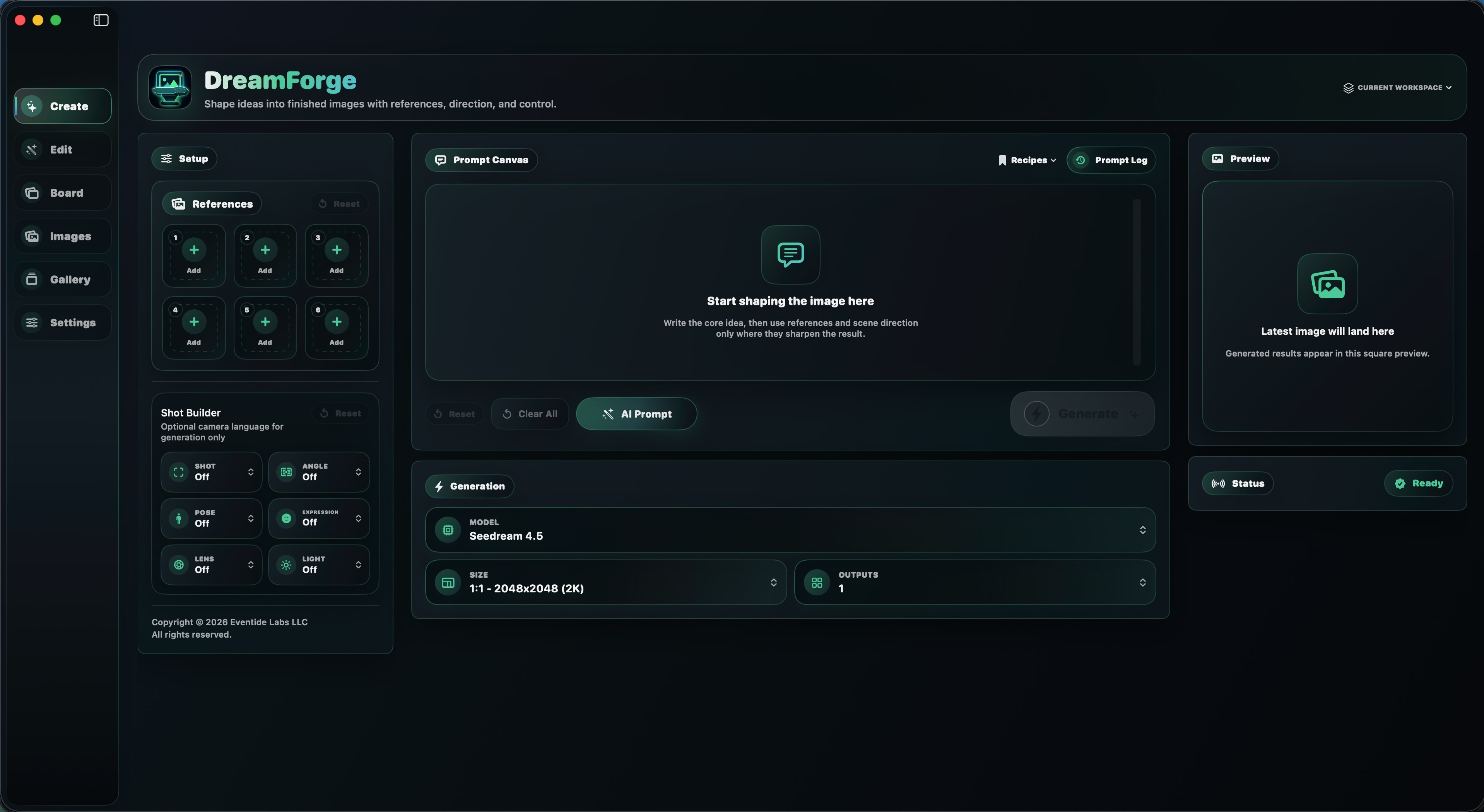
Create
Start with a canvas built for more control.
The Mac Create workspace keeps references, Shot Builder, prompt canvas, saved recipes, prompt history, generation settings, preview, and status visible at once. It is designed for longer sessions where you are shaping a direction instead of sending one quick prompt.
Seedream 4.5
Seedream 5.0 Lite
GPT Image 2
Nano Banana Pro
Nano Banana 2
Ideogram V4
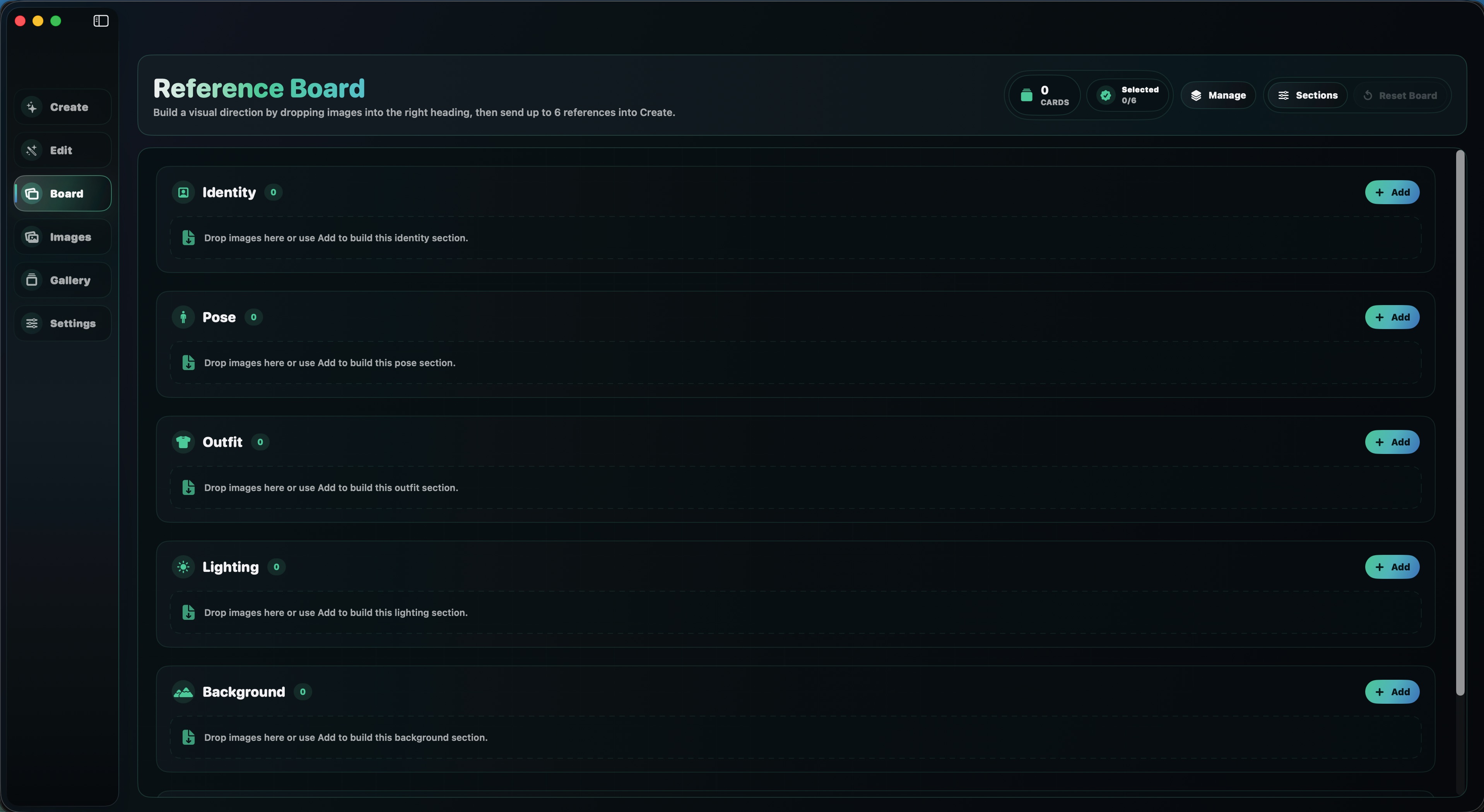
Reference Board
Build the visual direction before you generate.
Organize references by Identity, Pose, Outfit, Lighting, Background, Style, and other board sections. Select up to six references and send the right set into Create when the image direction is ready.
Manage sections for recurring creative needs.
Drag and drop images into the role they serve.
Send selected references into generation without rebuilding the prompt context.
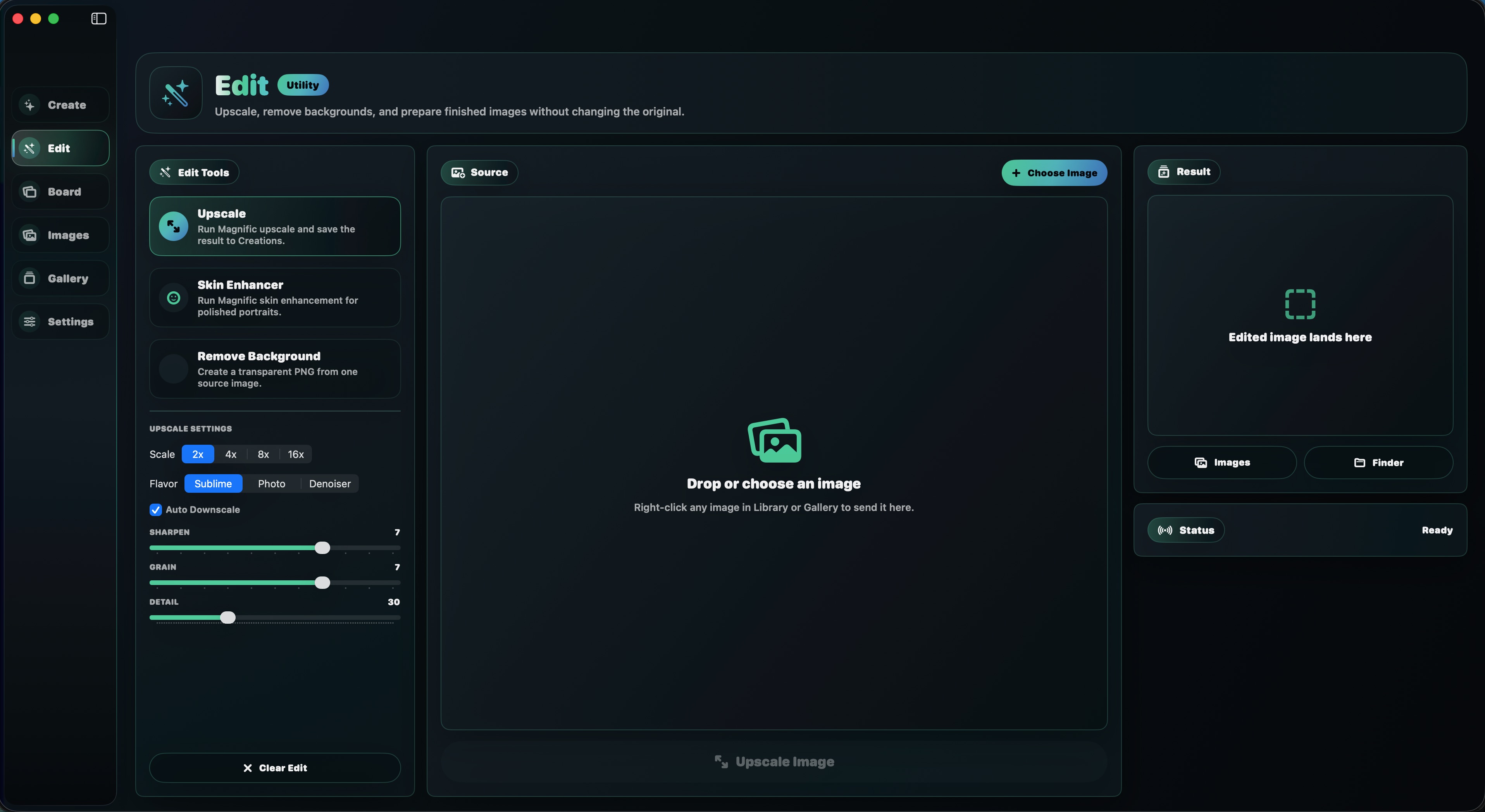
Edit
Upscale
Skin Enhancer
Remove Background
Refine finished candidates without replacing the original.
The Edit workspace brings utility routes into one desktop surface. Choose an image from the library or Finder, run upscales, enhance portraits, remove backgrounds, then save the result back to creations or reveal it in Finder.
Magnific scale and flavor controls for finished images.
Portrait cleanup without touching the original file.
Create transparent PNG outputs from selected sources.
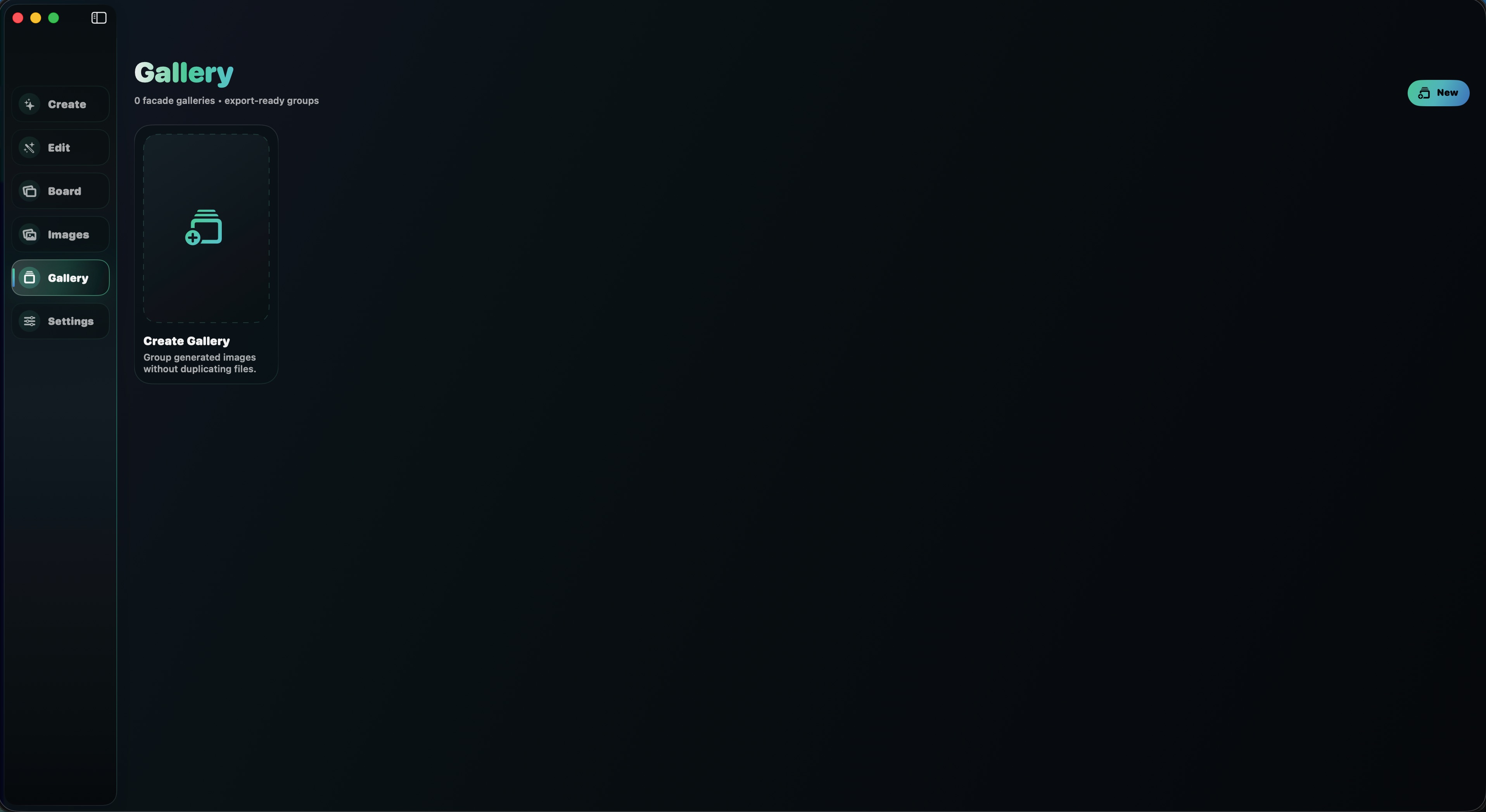
Images And Galleries
Keep references, creations, favorites, and export groups tidy.
DreamForge for Mac uses an app-owned library with separate creation and reference lanes, favorites, hidden/censored handling, right-click actions, Finder reveal, and gallery groups that keep finished image sets together without duplicating files.
Workspace-aware
Use named workspaces and a chosen library location when projects need separation.
Separate project contexts.
Switch between named workspaces so settings, images, and creative contexts stay easier to reason about.
Point at your ComfyUI server.
Use local Mac routes like http://127.0.0.1:8000 or another server URL you manage.
Clear ComfyUI folders from the app.
Move ComfyUI input and output folder contents to Trash when you choose to clean the working area.
Mac FAQs
What is different from the iPhone and iPad version?
The Mac version adds the desktop sidebar workflow, Reference Board, Edit tools, galleries, workspace management, saved recipes, prompt history, app-owned library controls, ComfyUI folder cleanup, six references, and up to four outputs.
Does the Mac app still use ComfyUI?
Yes. DreamForge for Mac is built around the ComfyUI server and partner-node routes you configure. The Mac app gives that setup a native creative interface.
Can I use the same models?
The Mac build includes routes for Seedream 4.5, Seedream 5.0 Lite, GPT Image 2, Nano Banana Pro, Nano Banana 2, Ideogram V4, and Remove Background, with model-specific workflow limits handled inside the app.